
Pipe Condition Assessment Reports
A written report with coded defects, photos and a repair recommendation, for owners, managers, buyers and agencies who need it on paper.
The details, in plain English.
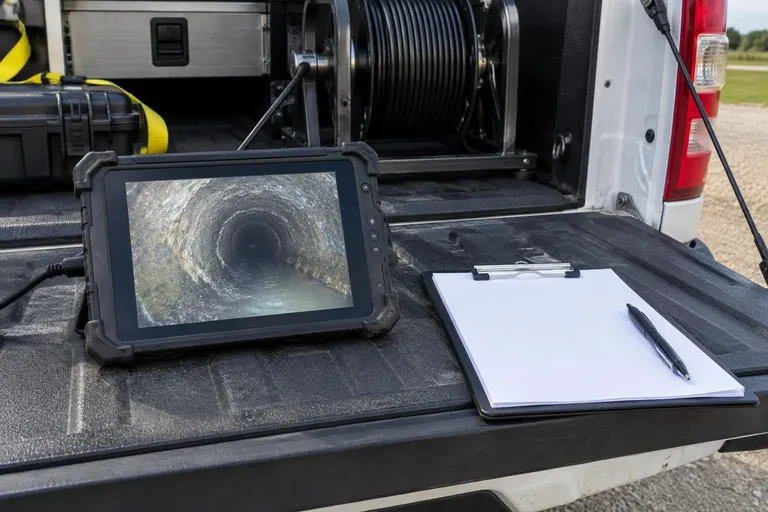
Some projects need more than a video: a property purchase, a facility capital plan or a municipal asset program. A condition assessment report turns the camera footage into a structured document with located, categorized defects and a recommended action for each.
Reports include line identification, lengths, pipe material and diameter, defect list with photos and an overall condition summary. Defect coding follows recognized industry practice, so reports are consistent and comparable between lines.
Best for
- Buyers and sellers
- Property and facility managers
- Capital planning
- Municipal asset programs
What you get with this service.
Structured
Defects are coded and located.
Photo-backed
Frames from the video.
Action list
A recommendation for each defect.
Comparable
Consistent across lines.
From first look to finished pipe.
- 1
Inspect
Camera the line.
- 2
Code the defects
Locate and categorize.
- 3
Write the report
With photos and recommendations.
- 4
Review
Walk through it with you.
Questions, answered
Do I need a report or just the video?
The video is included with inspections. A written report is useful for sales, capital plans and agencies that require documentation.
Can the report support a negotiation?
Many buyers and sellers use a camera report to agree on repairs.
How do I get a price?
Fill in the form or call 800-224-9245. We schedule a free camera inspection, show you the footage and send a written estimate.
How long does it take?
Most home repairs are finished in about a day. Longer runs, commercial lines and complex sites take longer, and we give you the schedule before we start.
Related services
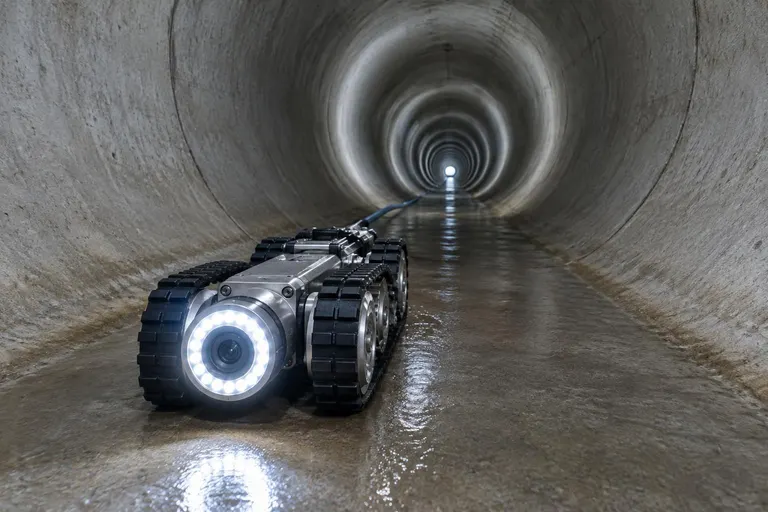
Sewer Camera Inspection
HD video of the inside of your pipe, with the damage located and explained.
Explore
Ready to see what is inside your pipe?
Send the form for a free camera inspection and a written estimate, or try the Pipe Problem Finder first.